






If you want to move betting winnings from your account to a Nigerian bank card or bank account, this guide explains how to withdraw naira from BC Game without guessing where to click next. The process starts in the Wallet area, then moves through the withdrawal tab, bank details, amount check, and final security approval.
BC Game supports Nigerian players with a payout flow built for NGN cashouts. That means users do not always need to think in crypto first when the goal is a local bank payout. The main point is simple: use the same verified account, choose Naira as the withdrawal option, enter correct banking details, and confirm the request only after checking the amount, fee, and processing note.
This page focuses only on how to withdraw from BC Game in naira. It does not explain crypto cashouts, token networks, or external wallet transfers. The goal is to help Nigerian players understand how to withdraw in naira from BC Game through the regular account interface.

Stepwise Guide to Naira Withdrawals From BC.Game
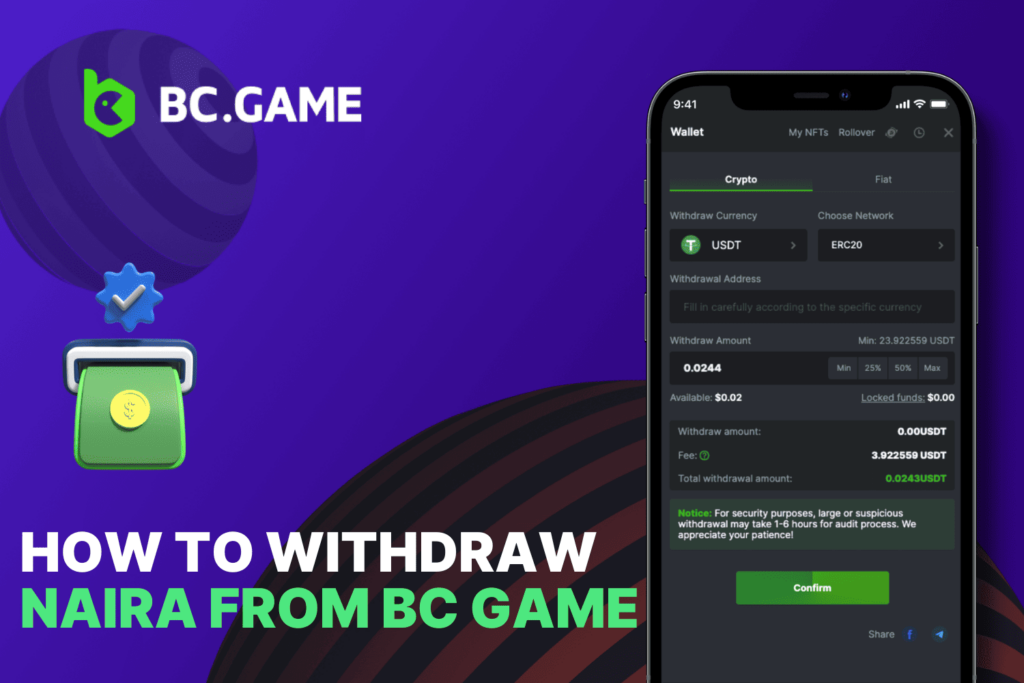
The steps below show how to withdraw naira on BC Game from a mobile or tablet screen. Labels may vary slightly by device, but the route usually follows the same pattern: account login, wallet, withdrawal tab, Naira method, bank details, confirmation.
- To begin the withdrawal process, open BC Game and log in to your account using a stable internet connection. Once you are signed in, navigate to the Wallet or Balance section and make sure your NGN balance is displayed correctly.
- Next, select the Withdraw option and choose Naira as your preferred withdrawal method. The platform will then ask you to provide your banking information, including your bank name, account number, and account holder name. Carefully review these details before proceeding to avoid potential delays.
- After entering your bank details, specify the amount you wish to withdraw. Check the minimum withdrawal requirement, any applicable fees, and the final amount that will be credited to your bank account. When everything looks correct, submit the request and complete the required security verification, which may include two-factor authentication, an SMS code, email confirmation, or another account security check.
This is the cleanest way to understand how to withdraw on BC Game in naira because each screen has one job. Do not rush the bank detail stage. A wrong account number can delay a payout or send the request into manual review.
Logging Into a BC.Game Account
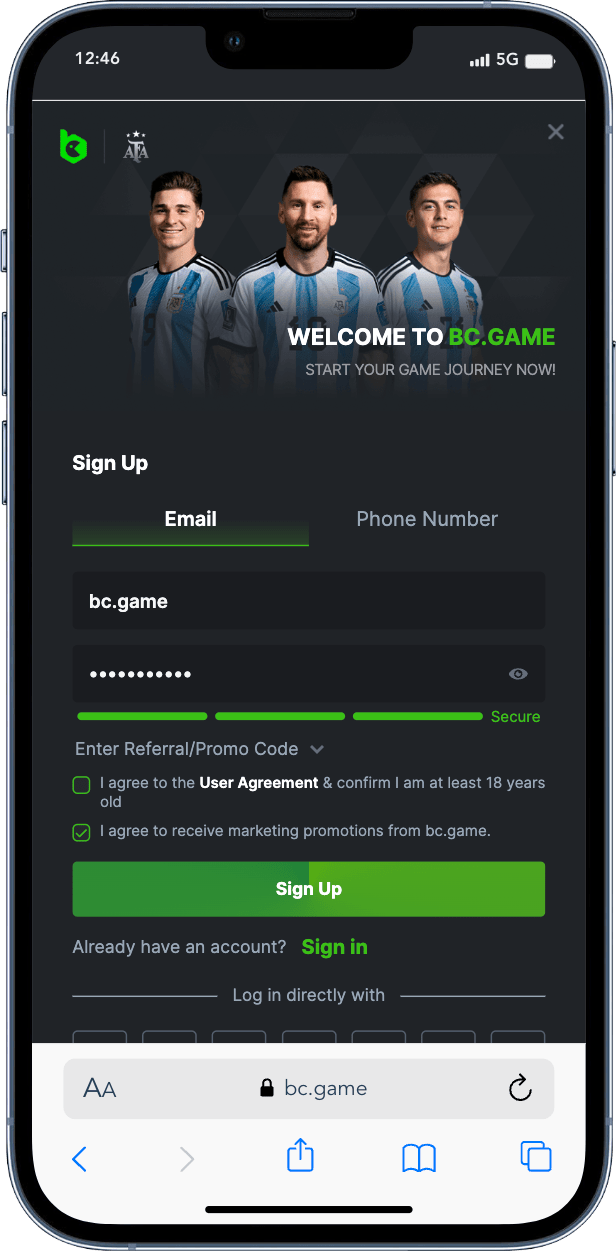
Start by logging into the same BC Game account that holds your Naira balance. If you need help with account access, use the official login guide here: BC Game Login Nigeria.
The login stage matters more than many users think. If you enter through another email, social profile, phone number, or wallet login, your NGN balance may not appear. Before trying how to withdraw naira from BC Game, check that your username, account email, and wallet balance match the profile you normally use for deposits and betting.
Security checks can also appear before a withdrawal. Complete two-factor authentication if it is active. If your session expired, sign in again before opening Wallet. A fresh login lowers the chance of failed confirmation, especially on mobile browsers.
Navigating to the Withdrawal Section
After login, open the Wallet or Balance button. On mobile, this button is often placed near the top of the screen or inside the account menu. On tablet, it may appear in the header or side panel. Choose Withdraw, not Deposit.

Look for a payout method connected to Naira or NGN. Since this article is about how to withdraw from BC Game in naira, avoid selecting crypto coins, token networks, or external wallet address fields. The Naira option should ask for local bank information rather than a blockchain address.
If the withdrawal section does not show NGN, refresh the page, check whether your account region is Nigeria, and confirm that the balance is held in a supported currency. Some users may need to convert or move funds inside the platform before a Naira payout option becomes available.
Entering Withdrawal Details
The withdrawal form usually asks for three main items: bank name, account number, and amount. In some cases, the account name appears automatically after the bank number is entered. Read it carefully before moving on.
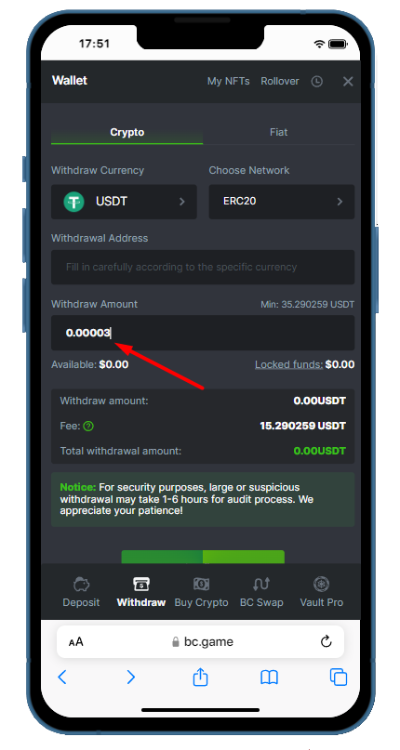
To follow how to withdraw in naira from BC Game safely, use a bank account that belongs to you. Name mismatch is one of the most common reasons for payout delay. If the BC Game profile name and bank account name look different, the request may be paused for a security check.
Enter the amount in Naira and compare it with the live minimum and maximum shown on the page. Limits can change, so do not rely on an old screenshot or a friend’s payout amount. The page should also show any payment charge before the final button. If the fee looks higher than expected, cancel and recheck the method before sending the request.
Confirming the Withdrawal Request
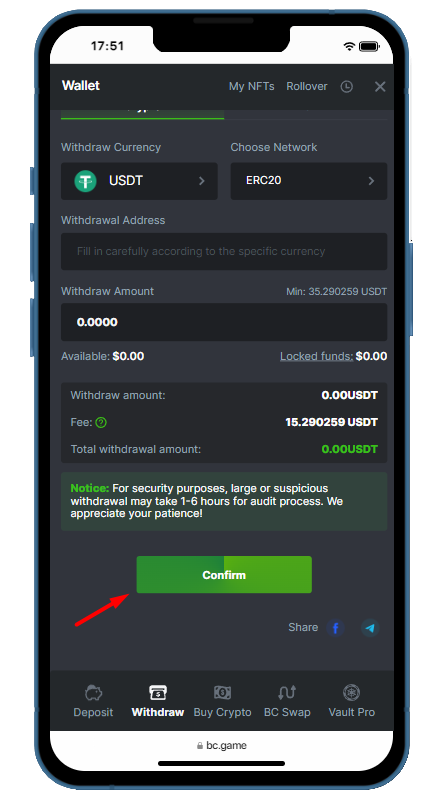
The final screen is where many mistakes happen. Before tapping Confirm, review every line: payout method, bank name, account number, amount, fee, and expected received sum. This is the last useful pause in the process.
Once you confirm, BC Game may ask for a 2FA code, email code, SMS code, or another account security step. Enter the code within the valid time window. If the code expires, request a new one instead of submitting several failed attempts.
After confirmation, open transaction history or withdrawal records. The request may show as pending, processing, paid, rejected, or failed. Pending does not always mean a problem. Bank processing, payment partner checks, and account review can take time. If the status changes to rejected, read the reason before trying again.
This step completes how to withdraw naira on BC Game for most Nigerian players. If the payout stays pending longer than the displayed estimate, prepare the transaction ID, amount, bank name, and time of request before contacting support.
Final Tips for Withdrawing Naira
1. Check your account details before every cashout.
A correct bank account, matching name, active login session, and valid 2FA code make the payout flow easier to manage. Players who understand how to withdraw on BC Game in naira usually make fewer errors because they treat the confirmation screen like a payment receipt.
2. Keep screenshots of the withdrawal page after submitting a request.
Save the transaction ID if it appears. Do not create a second request for the same amount unless the first one clearly failed or was rejected. Repeated attempts can make the history harder to read.
3. Fast recap, how to withdraw naira from BC.
For a fast recap, how to withdraw naira from BC Game means logging in, opening Wallet, choosing Withdraw, selecting NGN, entering valid Nigerian bank details, checking the amount, and confirming the request. The same logic applies if you search how to withdraw from BC Game in naira or how to withdraw naira from BC Game, as long as you use the Naira option and review the final payout data before approval.
4. Contact us for help.
If you still need a broader payout guide, you can find more information in the following article: BC Game Withdrawal in Nigeria. It can help with related payout rules, timing, limits, and account checks.
The best habit is simple: check twice, confirm once. That single habit protects your Naira cashout from avoidable delays.