






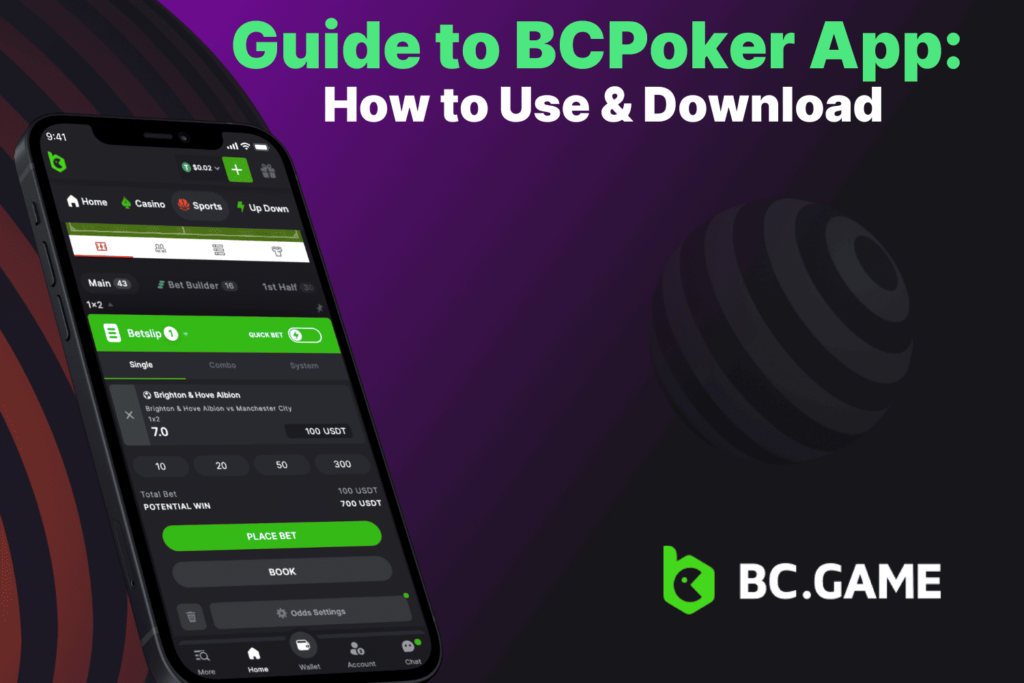
Many players today look for convenient ways to access their favorite poker platform without being tied to a desktop computer. BCPoker has built a solid reputation by combining reliable gameplay with modern tools that suit both occasional participants and dedicated regulars. The dedicated mobile solution plays a central role in this approach. This guide covers the BCPoker app download process, explains what the application offers in everyday use, and walks through practical steps for installation and navigation. The information stays focused on clear procedures and realistic expectations.

Overview of the BCPoker App
The BCPoker app brings the complete BCPoker environment to mobile devices in a form that feels natural on smaller screens. It supports the full range of cash games and tournaments while keeping account management and financial tools within easy reach. Players no longer need to open a browser tab for every session, which reduces friction and keeps the experience consistent.
Support covers the main mobile platforms. Android users work with a dedicated installation file. iOS users add a home screen shortcut that opens the platform in a clean, full screen view. Both routes deliver the same core functions and keep data synchronized with any desktop activity.
BCPoker App Features and Benefits
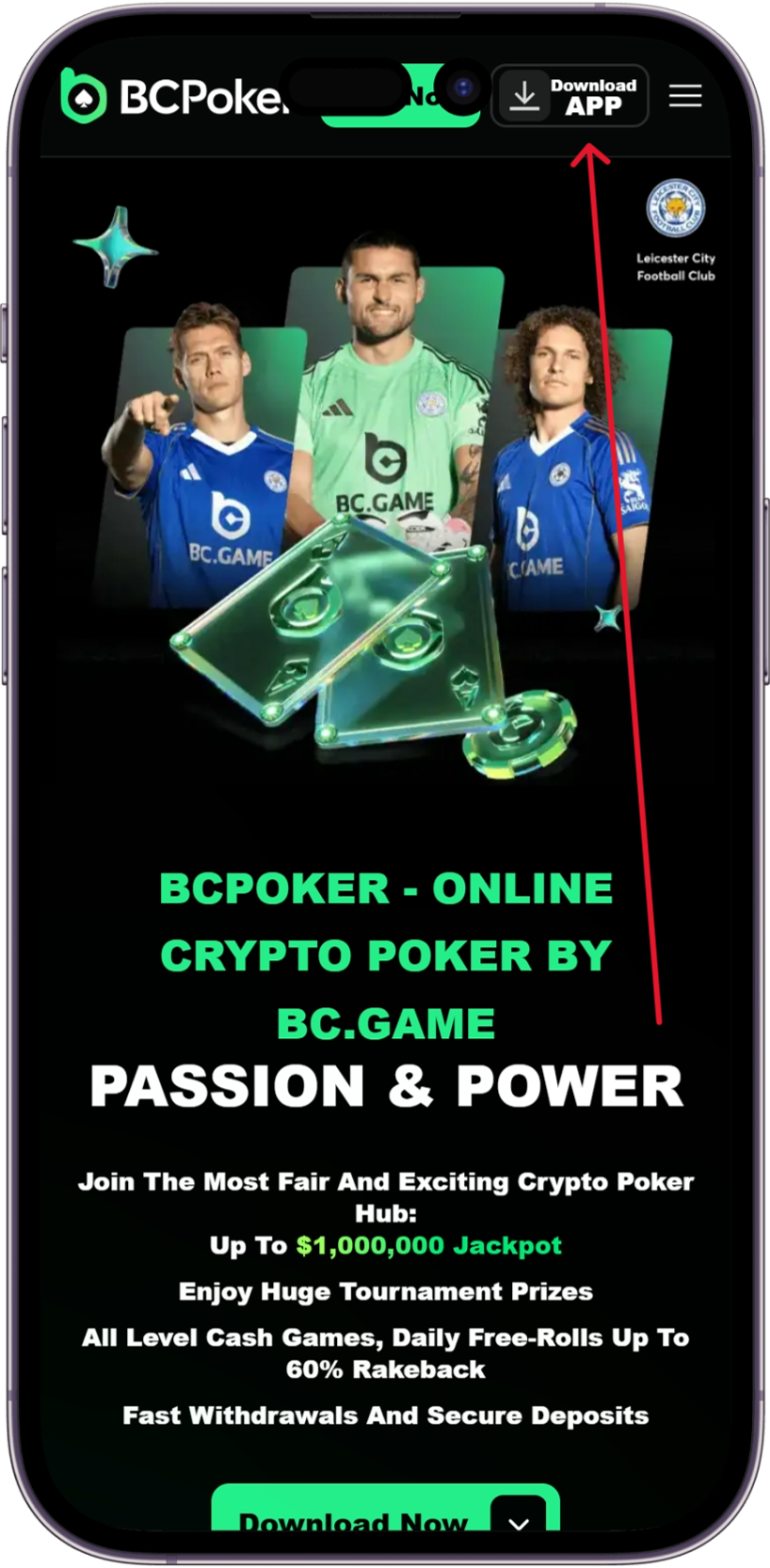
Three aspects of the BCPoker app stand out for regular users. Each addresses a common need in mobile poker without unnecessary complexity.
Multi table play receives direct support. Players who like to follow several games at once can open up to four tables simultaneously. The layout keeps the active hand prominent while secondary tables remain visible in a compact strip. Switching between them takes one tap, and betting controls stay accessible throughout. This arrangement helps users maintain pace without constant screen resizing or menu hunting.
Performance on mobile devices stays steady even during busy periods. The interface uses a vertical layout that works well with one hand, which suits shorter sessions or moments when both hands are not free. Background handling keeps tables active so notifications arrive for important actions such as blind postings. Response times remain consistent, and the design avoids heavy resource use that could drain battery quickly during extended play.
Crypto transactions integrate cleanly into the wallet section. Users can deposit and withdraw using a range of digital assets with clear balance displays in both local currency and native token values. Processing happens directly through the application, and records update in real time. This setup removes extra steps that sometimes appear when moving funds through external services.
Downloading the BCPoker App on iOS: Step-by-Step
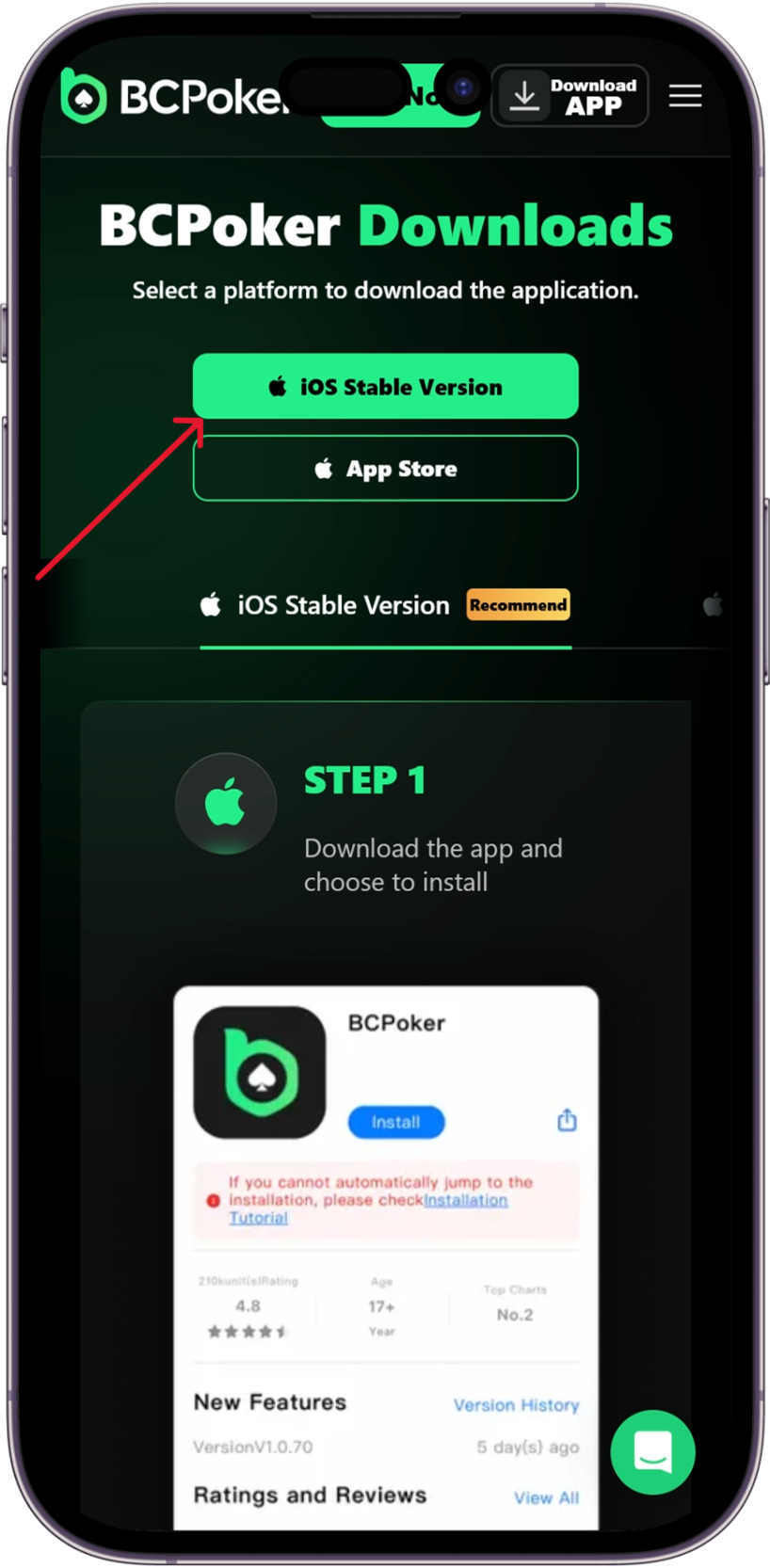
iOS installation uses a home screen shortcut rather than a store download. The process takes only a few taps once the official site is open.
- Open Safari and go to the official BCPoker website.
- Locate the mobile or application section in the menu or footer.
- Tap the Share icon at the bottom of the screen.
- Scroll through the share options and select Add to Home Screen.
- Confirm the name and icon in the popup, then tap Add.
- Return to the home screen and open the new icon to launch the platform.
After the first launch, users can sign in or register directly. The shortcut opens without the browser bar for a cleaner view. If the icon does not appear immediately, repeating the share step usually resolves the issue. No special permissions beyond standard web access are required.
Downloading the BCPoker App on Android: Guide
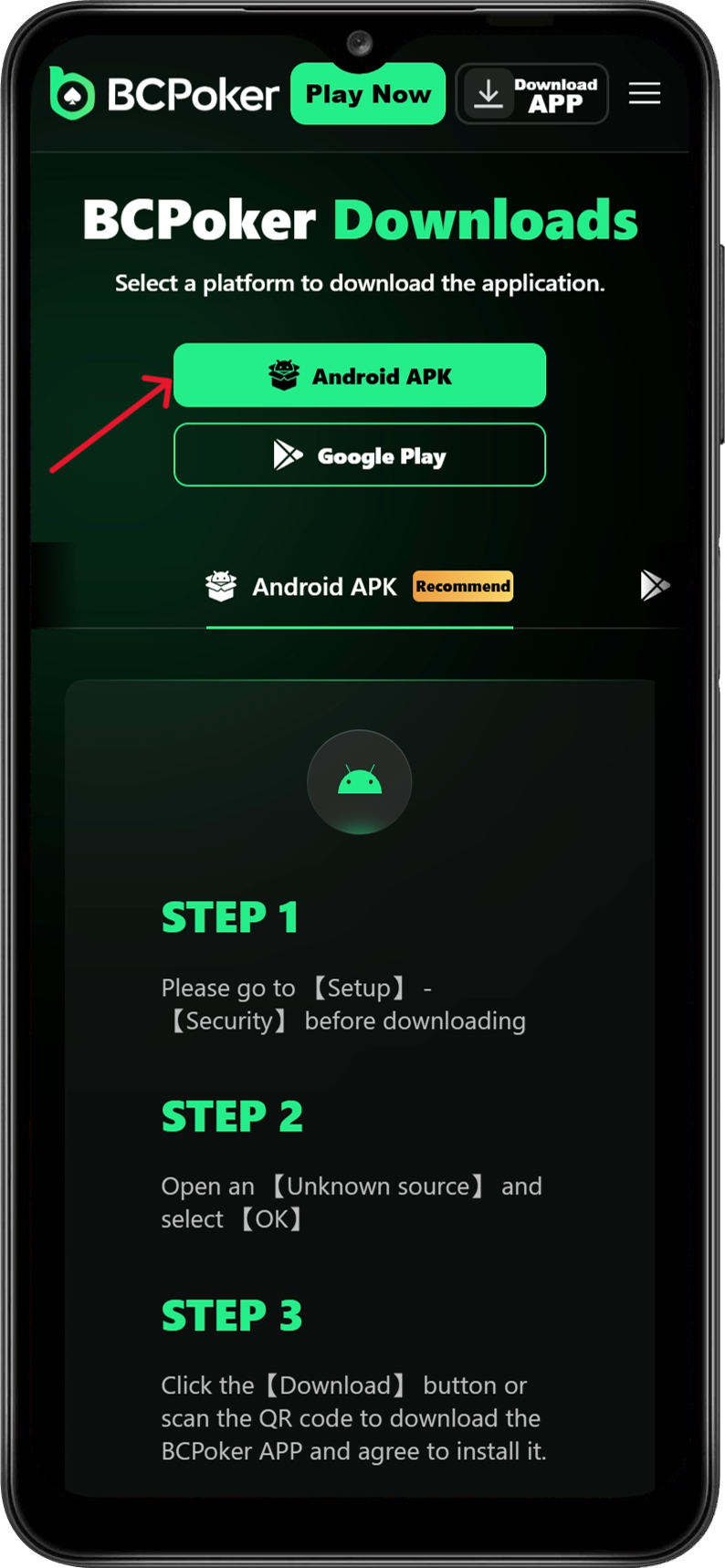
Android users download a dedicated installation file from the official source. The steps emphasize safety by limiting activity to verified channels.
- Open a mobile browser and visit the official BCPoker website.
- Find the download or mobile application area.
- Select the Android option to start retrieving the file.
- When the download completes, open the file from the downloads folder.
- If prompted, allow installation from unknown sources in the device security settings.
- Follow the remaining prompts to finish setup, then open the application.
The BCPoker apk file remains small enough for quick transfer on typical connections. After installation, the first login connects the account and restores previous activity. To keep everything current, users should check the same official page periodically for updated files rather than relying on third party links.
How to Use BCPoker App
The interface keeps core actions straightforward so players can focus on the game rather than navigation. The sections below describe the main workflows.
Navigating the lobby and game selection
The lobby opens with clear categories for cash games and tournaments. Each listing shows stake level, player count, and average activity so users can choose tables that match their preferences. Filters at the top allow quick sorting by game type or buy in range, while a search field helps locate specific events. The bottom bar provides direct access to active tables and account tools without extra menus.
Playing cash games and tournaments
Joining a cash game starts with a single selection from the lobby list. The table view presents community cards, player positions, and action buttons sized for accurate taps. Multi table users can move between open games through a top strip or simple swipe. Tournament entry follows the same pattern: review structure details, confirm participation, and monitor blind levels and remaining players from a compact panel once seated.
Managing account and wallet functions
The account area gathers balance information, transaction history, and deposit options in one place. Users see holdings in both primary currency and supported digital assets. Deposit flows present available tokens with current rates and network details. Withdrawal requests follow a similar clear path with confirmation steps. Security options such as two factor settings sit in the same section, and all updates reflect instantly across any connected devices.
Frequently Asked Questions
Android 8.0 or higher with 2 GB RAM and iOS 14 or later provide the recommended baseline. Older devices can still use the mobile browser version.
No. The installation file and home screen setup are free. Any welcome credits appear only after registration and qualifying activity where offered.
Enable the unknown sources option for the browser in device security settings, then retry the download from the official site.
Yes. Cash games, tournaments, multi table support, and wallet functions operate identically with real time synchronization between devices.
Standard encryption, two factor authentication, and on chain transaction records form the main layers. Deposit and session limit tools are also available in account settings.
Yes. The single account keeps balances, history, and active entries consistent across all access points.