






Getting into a poker platform should not create extra hurdles. BCPoker keeps the focus on actual play by offering clear account access across devices. A reliable BCPoker login marks the start of every session, whether on a computer or a phone. This guide walks through the steps, covers frequent sticking points, and shares straightforward ways to keep an account safe.
How to Log In to BCPoker Account
The login sequence works the same on a desktop and in any mobile browser. Screen size changes the layout, yet the actions stay consistent.
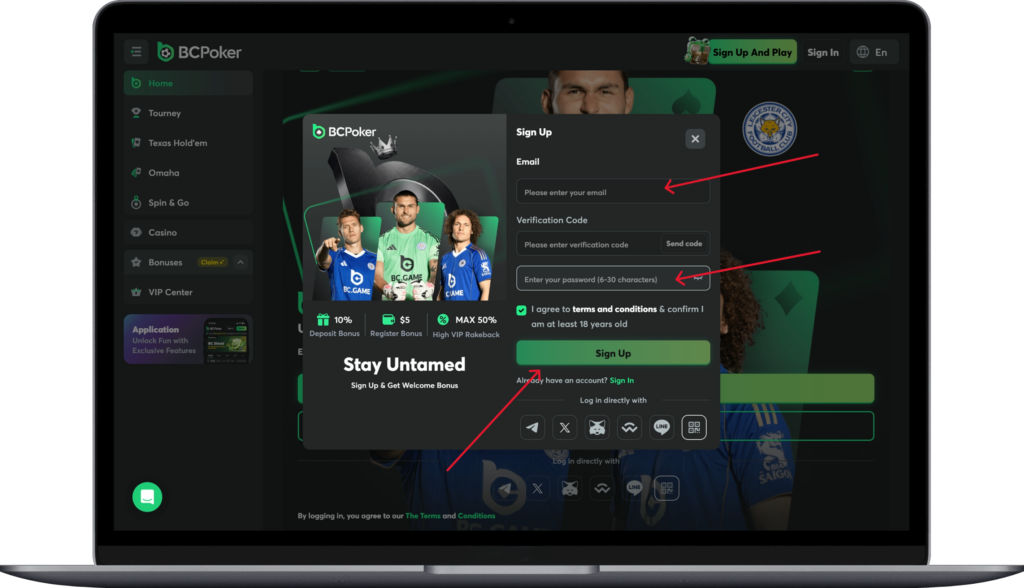
Open a current browser and visit the official BCPoker site. On the homepage, select the sign in button near the top right. The login form appears right away.
Type the registered email or username into the first field. Add the password in the second field. Glance over both entries to catch any small mistakes. When two-factor authentication is active, enter the six-digit code from the authenticator app at the prompt.
Successful verification takes the user straight to the lobby. Games, wallet options, and account tools open without further delay.
Users on laptops or tablets often value the extra screen space for reviewing recent activity right after entry. The credentials remain the same no matter the device.
BCPoker App Login Process
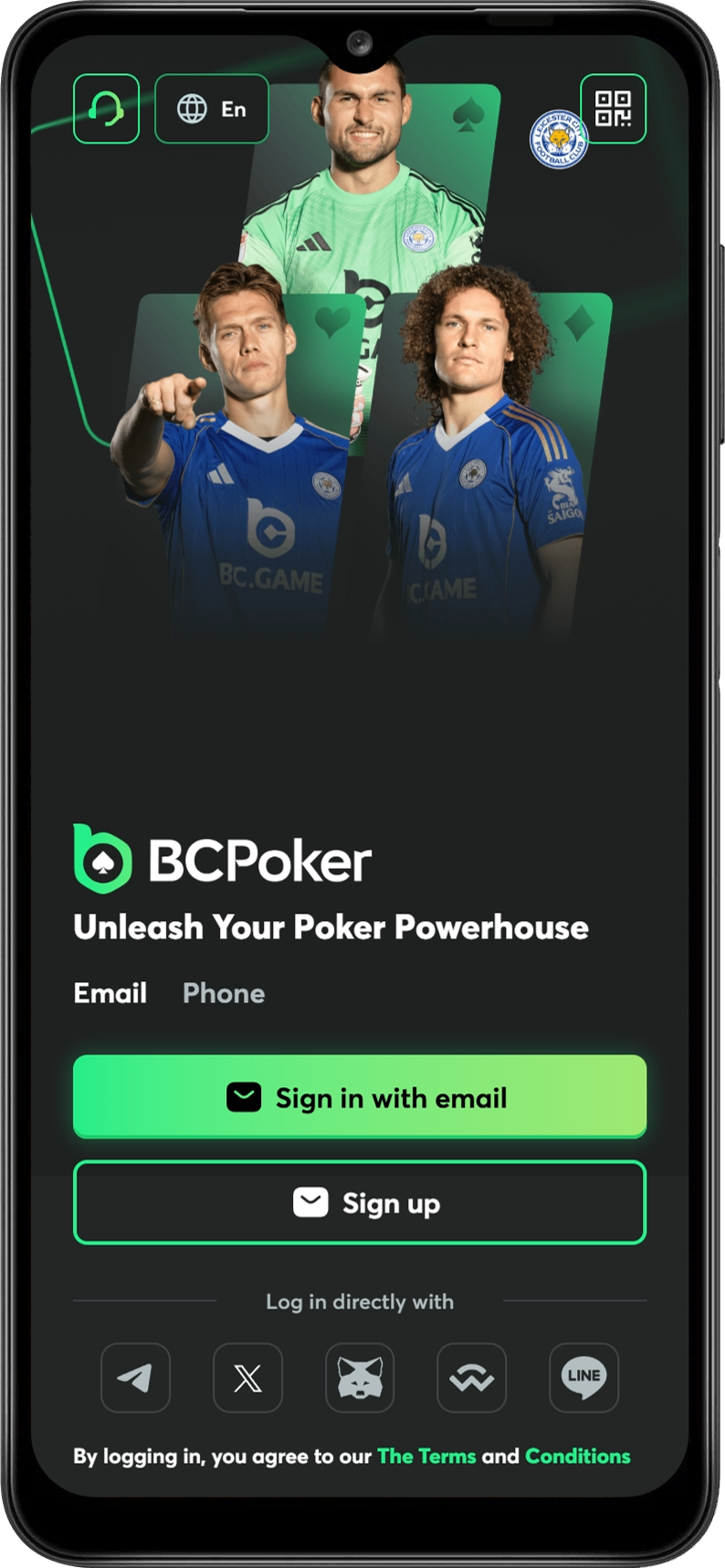
The mobile application follows a close parallel to the browser version. The flow stays direct and uses the same account details.
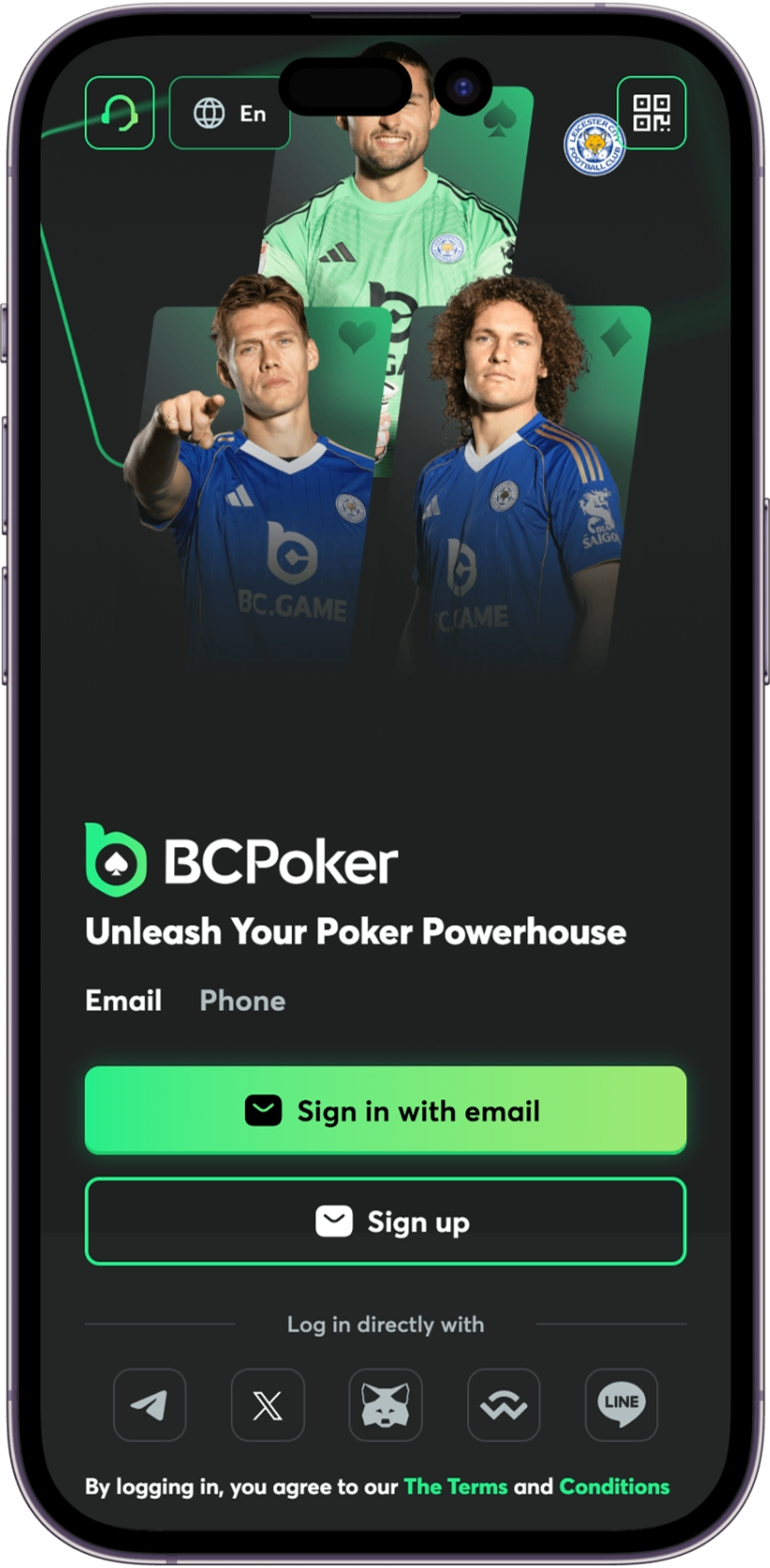
Launch the BCPoker app. Tap the sign in option on the opening screen. Enter the email or username and password exactly as on the web version. Supply the current six-digit code from the authenticator app if two-factor authentication is turned on.
Biometric login becomes available after the first successful entry on supported phones. Fingerprint or face recognition can then replace typing the password. This option speeds up regular access without lowering protection.
Once inside, the lobby appears with full access to tables and tools.
The BCPoker sign in inside the app works well for shorter sessions when the connection stays steady.

Common Issues When Signing In
A few problems show up often during the BCPoker sign in process. Each one usually has a quick fix.
| Issues | Quick fix |
| 🟢 Incorrect credentials | Small typos or an active Caps Lock key block most attempts. Review the fields before submitting. Saved data in password managers can sometimes be outdated, so confirm the current details. |
| 🔄 Forgotten password | Click the recovery link on the form. The platform sends a reset code or link to the registered email or phone. Follow the steps to set a new password and return to the login screen. |
| 🌐 Two-factor authentication code problems | Codes expire after a short window. Create a fresh code in the authenticator app and enter it quickly. Lost access to the authenticator device requires support contact for alternative verification. |
| 🤝 Temporary account lock | High throughput settlement keeps claim, swap, Too many failed tries trigger an automatic lock. Wait the set period before the next attempt. Support can often clear the lock sooner once ownership is confirmed. |
| 🔎 Network or browser interference | Weak connections or stored data sometimes prevent entry. Switch networks, pause any VPN, or clear the browser cache and try again. |
How to Improve Account Security on BCPoker
Good habits after the first BCPoker login help maintain protection over time.
- Activate two-factor authentication during the first login or right after registration. The extra code keeps funds safe even if the password is known.
- Choose a strong, unique password with a mix of characters. Do not reuse passwords from other services. A password manager handles the complexity without extra daily effort.
- Check activity logs in the security section from time to time. Unexpected locations or times call for an immediate password change and support notice.
- Confirm the site address before entering any details. Keep the official page bookmarked and ignore links from unknown sources.
- Log out completely on shared or public devices. An open session raises the risk of unwanted access.
- Turn on login alerts when the option exists. These messages give early notice of any sign in that does not look familiar.
Frequently Asked Questions
Yes. Multiple sessions run together on desktop and mobile with live updates across them all.
Reach official support through live chat. Provide verification details so they can restore access and reset the setup.
Locks usually run from fifteen minutes to several hours. Support can often shorten this after confirming the account belongs to you.
No. Email verification occurs only at registration or during specific security checks.
Yes. Most common managers operate without trouble. Test autofill on the device and update saved entries after any password change.