






Knowing how to check my bet on BC Game matters right after a wager is confirmed. A player wants to know if the ticket is open, settled, voided, won, lost, or still waiting for a result. As a modern crypto gambling and sportsbook platform, BC Game keeps detailed sportsbook records inside the account area, where the user can review the event, market, odds, stake, possible payout, and final outcome.
BC Game combines casino games, crypto payments, and sports betting in one account. That makes bet tracking useful for players who compare balance changes with betting results. This guide explains how to check my bet on BC Game, how to read ticket status, and what to do if a wager is missing or delayed.

How Bet Tracking Works on BC.Game
Bet tracking starts when the sportsbook accepts a wager. After that, the ticket is linked to the account that placed it. If a player switches browser, opens another account, or uses a different wallet connection, the old ticket may not appear where expected. Players who ask how to check bet history on BC Game usually want to monitor an active ticket before the event ends, or review a settled wager after grading. Both cases use account records, but the view is split into open and settled categories.
Types of Bets Available
BC Game sportsbook includes different bet formats depending on the sport and market. A single bet covers one pick, such as a team to win, total goals over 2.5, or a player prop. An accumulator, often called a parlay, joins several picks in one ticket. Every selection must usually win for the whole ticket to pay. Live bets need more attention because odds can move before acceptance. Sports bettors on BC Game may also see handicap markets, totals, double chance, Asian lines, futures, outright winners, and props. For each type, the ticket shows the market name, selection, odds, stake, currency, event, date, and status.
Where Bet History is Stored
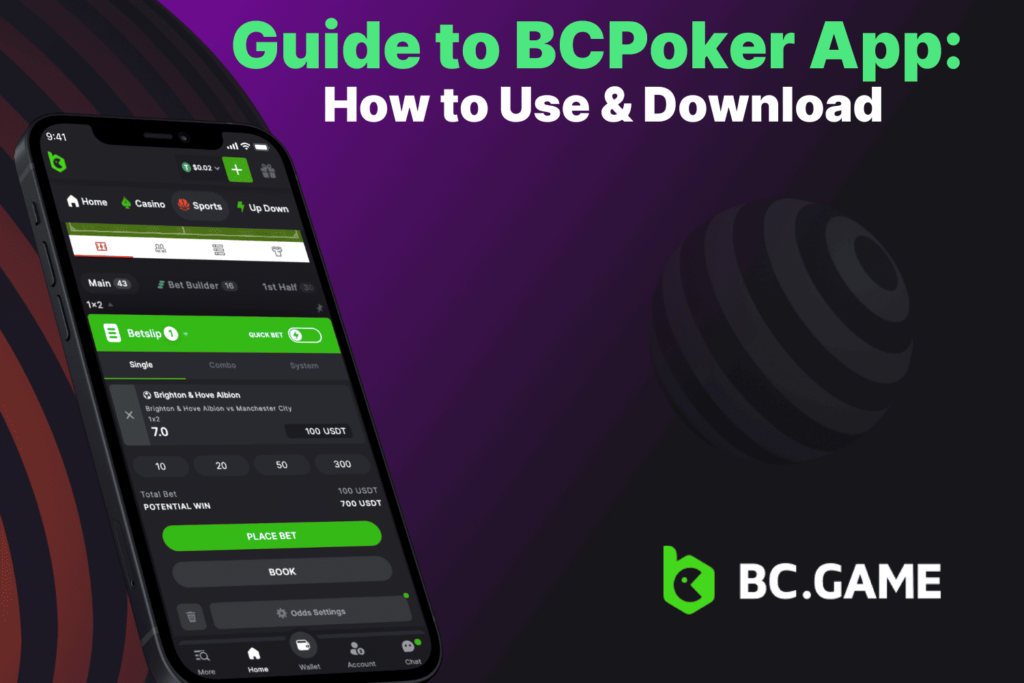
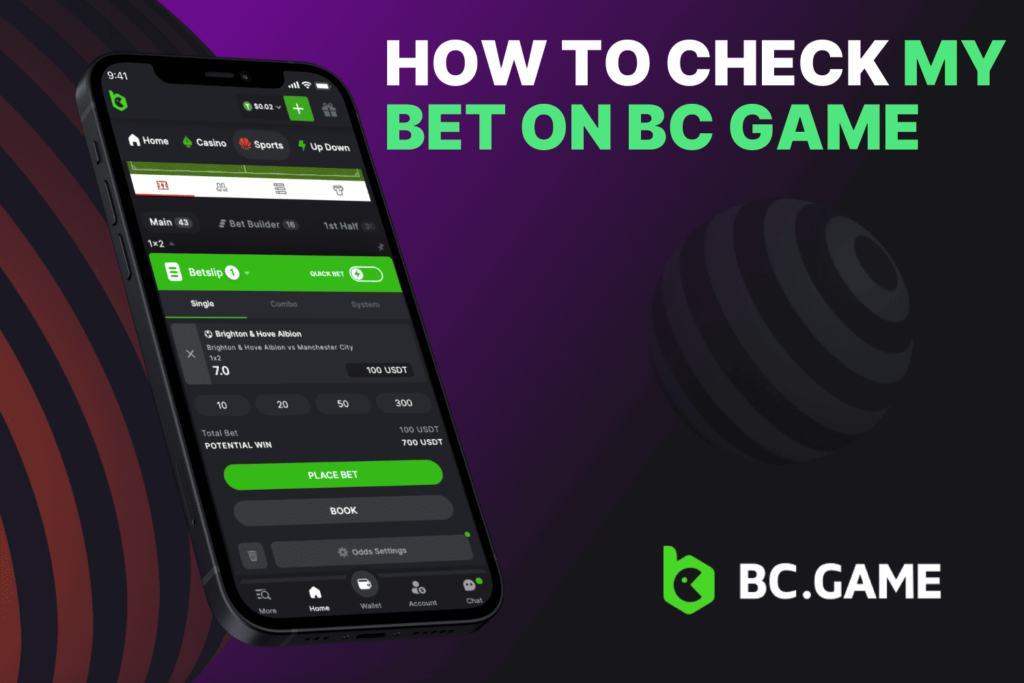
Bet history is stored inside the user account, near the sportsbook profile or bet slip panel. The label can change by layout, but the logic is simple: active tickets stay in Open Bets, while finished tickets move to Settled Bets or History. On mobile or tablet devices, open the BC Game sportsbook, tap the account or bet slip icon, then look for the My Bets section. Since layouts are optimized for portable screens, the best visual clue is the ticket list itself, which shows the event name, stake, odds, status, and date.
Step-by-Step Guide to Checking Your Bet
This section explains how to check a bet on BC Game from login to final result. The same method works for football, basketball, tennis, esports, cricket, and most sportsbook markets.
Logging Into Your BC Game Account
First, sign in with the same profile that placed the wager. If you need help at this stage, use the official guide through BC Game Sign In. A bet belongs to the account, not to the device, so using the wrong email, wallet, or social login can make the ticket look missing.
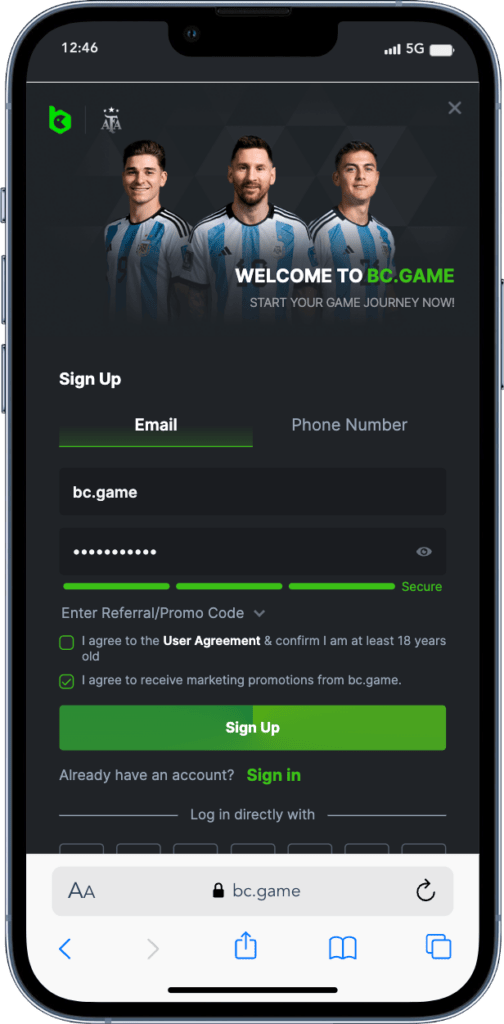
After login, check the active currency. This matters for crypto users because records may be grouped by coin or wallet balance. If the wager was made with one currency and the account view shows another, the balance change may look wrong at first. Complete any two-factor authentication or browser verification steps before opening sportsbook history.
Accessing the Bet History Section
To learn how to check bet history on BC Game, start from the sportsbook screen rather than the casino lobby. Open the sports betting section and access the account menu, profile icon, or bet slip area, depending on the device you are using.
Once inside the menu, look for the “My Bets” or “Bet History” option. This section contains all of your betting activity, including active wagers and completed tickets. Open Bets displays all currently pending selections that have not yet been settled, while Settled Bets contains wagers that have already been graded and paid out.
If you need to locate a specific ticket, use the available filters to narrow the results. Most versions of the platform allow you to sort bets by date, sport, betting market, status, or currency. This makes it easier to review previous wagers, track results, and verify betting activity directly from your mobile phone or tablet.
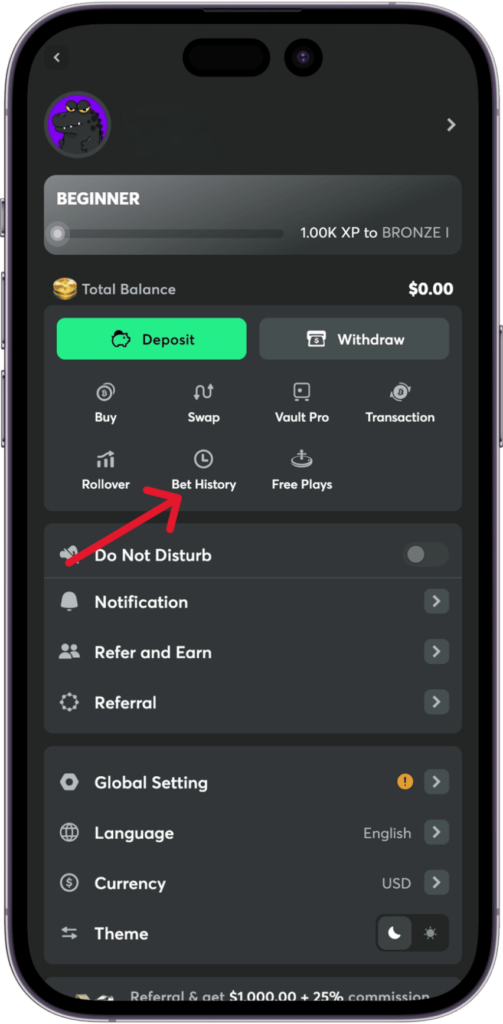
Viewing Bet Details and Status
Open the ticket once you find it. The detail screen is the main source of truth. It shows the sport, league, match, selection, odds, stake, possible return, bet ID, and current status.
Common statuses include:
- Pending / Open: The platform is still processing acceptance, or the event has not been fully resulted.
- Won / Lost: These are the final outcomes after official grading.
- Void / Canceled / Refunded: The stake returns to your balance according to market rules.
For accumulators, check every selection separately, as one leg can be settled while another remains open. If cash out was used, the ticket shows that action instead of the original possible return.
Common Issues When Checking Bets
Most checking problems come from login mismatch, active filters, slow event grading, or a connection issue. The fixes are usually simple if you know where to look.
If a bet does not appear, confirm that you are logged into the correct account. Then check the sportsbook section, not only the casino or wallet area. Switch between Open Bets and Settled Bets. Clear date filters if they hide older tickets. Also check the selected currency, since some users place wagers with different coins.
Browser cache, weak internet, old app data, VPN conflicts, or temporary sportsbook maintenance can affect the bet history view. Refresh the page, sign out and back in, switch from app to browser, or try another device. A display issue does not mean the bet disappeared. Account records are safely stored on the platform side.
Live betting can create short confirmation delays. Odds may change between selection and acceptance, so the system needs to approve the final price. During this time, a ticket may show as pending. Check your balance as well. If the stake was deducted, there should usually be a matching betting record. If no stake was deducted, the bet was likely not accepted.
Contact BC.Game Support
BC Game treats player feedback as a practical signal for product work. One of the main advantages of the platform is that BC Game actively reads user comments, updates account tools, and keeps refining sportsbook records, payment paths, and support flows.
If a bet is not visible after basic checks, or if a wrong result appears, players can always message and get a fast response from the support team. When contacting them, send clear details: account email or user ID, date and time, sport, event, market, stake, and a screenshot if possible.
FAQs
Open the sportsbook, sign in, then go to My Bets or Open Bets. Tap the ticket to see the event, selection, odds, stake, and current status.
Use Bet History, Settled Bets, or transaction records. Filter by date, sport, currency, or bet ID. This is the best way to check bet history on BC Game when the wager is no longer in the recent list.
A pending status can appear during live odds confirmation, market review, or post-match grading. If the event has just ended, wait a short time for the official result to be processed before contacting support.
Yes. Open the BC Game mobile site or app, enter the sportsbook, tap the account or bet slip icon, and choose My Bets or Bet History. The mobile layout shows the exact same key data.
Check your account login, selected currency, active filters, and transaction history. If the wager still cannot be found, contact the BC Game support team with the event details and a screenshot.