






BC Game operates as a crypto-focused betting platform where users place wagers across sports markets and casino games. A booking code serves as a shortcut to replicate or activate specific bet selections without manual recreation of each market. The feature appears in the sports betting section and supports both desktop and mobile interfaces.
Users searching for how to load bet code on BC Game typically need the code from a shared source or previous session to populate their bet slip instantly.

What Is a Booking Code?
A booking code on BC Game consists of an alphanumeric string that encodes a set of betting selections. The platform stores the code server-side so that any user can load the identical combination of odds, markets, and stake parameters. This mechanism differs from a standard promo code because it carries actual bet data rather than a discount multiplier. Operators generate these codes for popular accumulators, expert tips, or community-shared wagers.
How to Load a BC.Game Booking Code
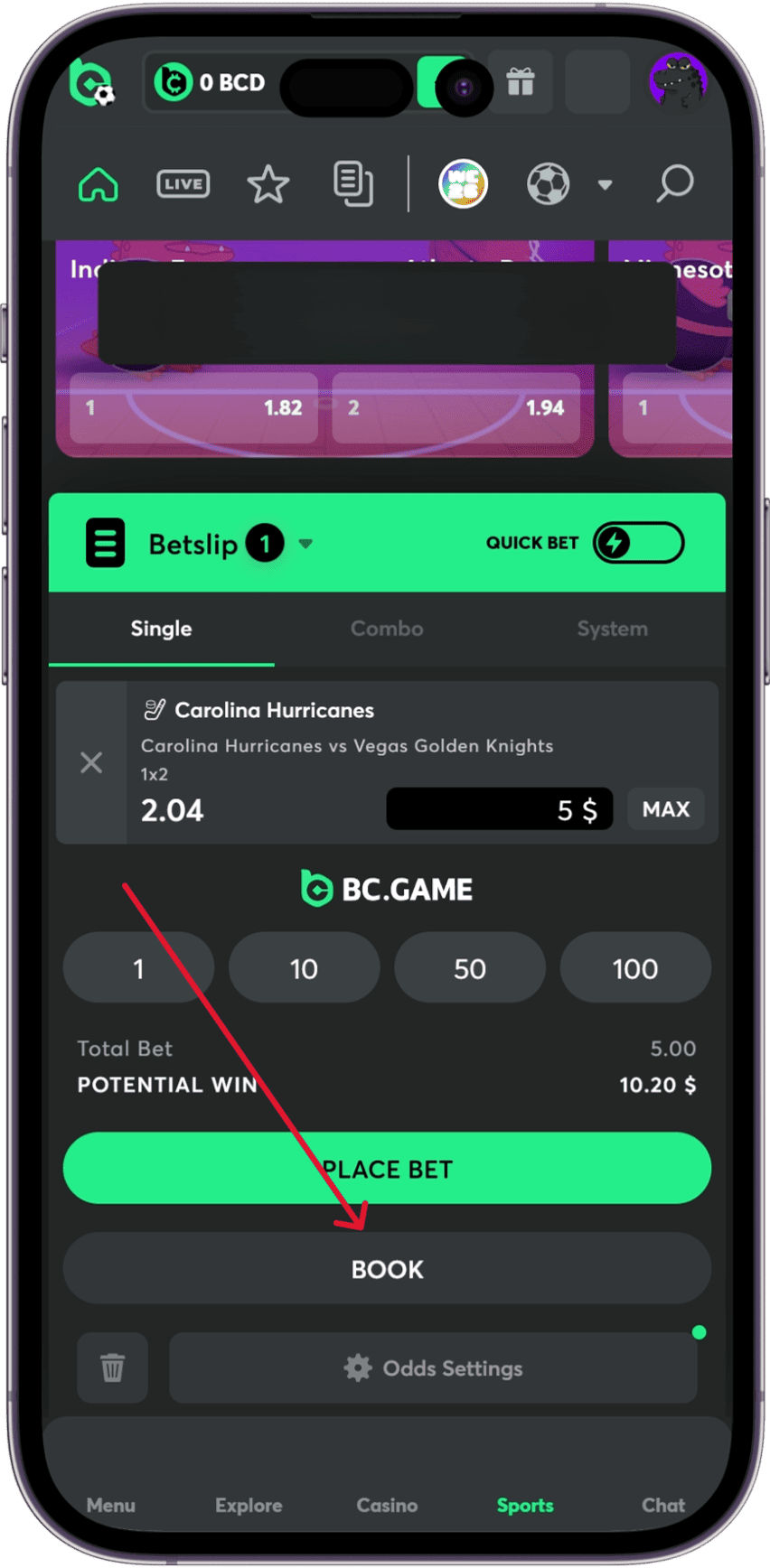
Loading a booking code follows a linear sequence on both web and mobile versions of the site. The process requires an active account with sufficient balance or deposited funds.
Many players in Nigeria often look for how to load booking code on BC Game in nigeria.
- Open the BC Game website or launch the mobile app and sign in with registered credentials.
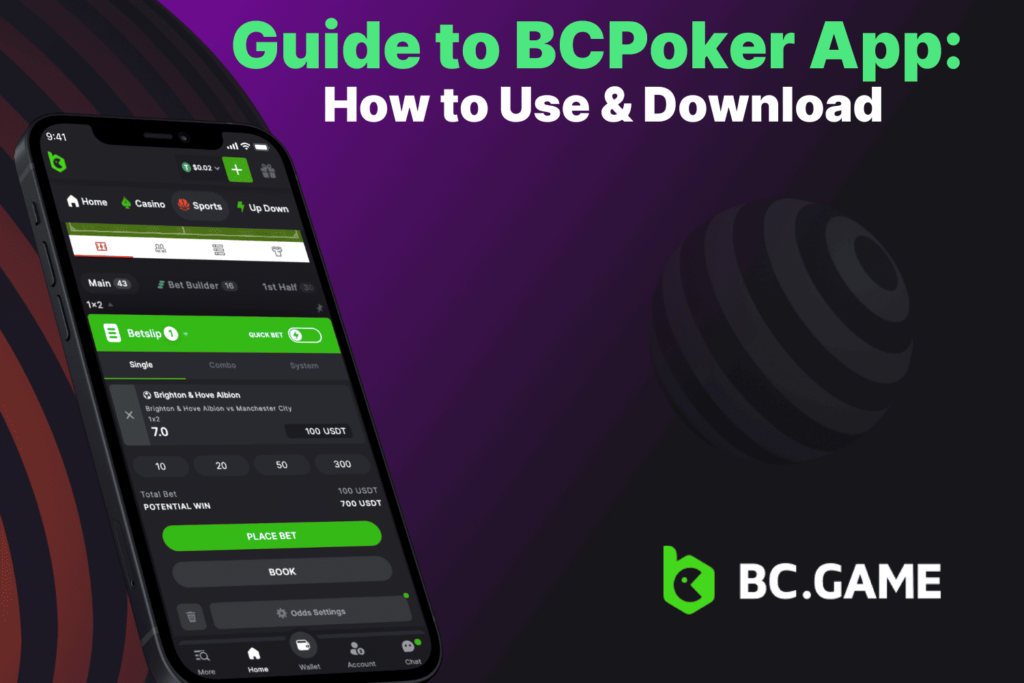
- Navigate to the Sportsbook tab located in the main menu; on mobile, tap the sports icon at the bottom navigation bar.
- Locate the booking code field, usually positioned above the bet slip or within a dedicated “Load Code” button near the event list.
- Enter the full code string exactly as provided; avoid extra spaces or altered characters.
Users also frequently ask how to insert booking code on BC Game and how to input booking code on BC Game. Click or tap the confirmation button labeled “Load” or “Apply.” The bet slip refreshes with the preselected markets and odds.
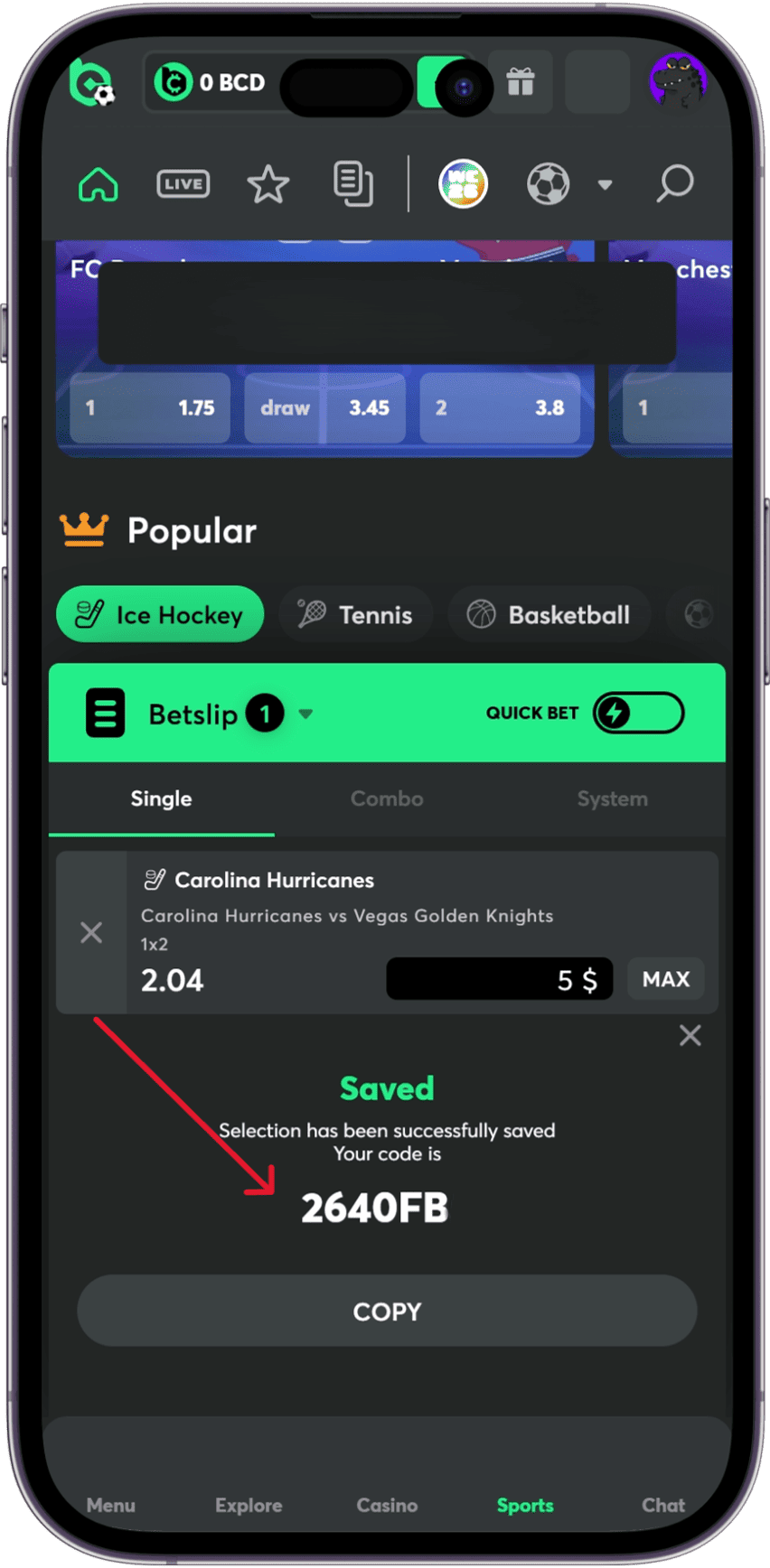
Mobile users follow the same flow but benefit from a persistent floating action button that opens the code input overlay directly from any sports event page. After successful loading, the code remains valid only for the odds captured at generation; live market shifts do not update automatically.
Special Promotions Through Booking Codes
BC Game occasionally ties booking codes to deposit bonuses or cashback campaigns. A code may unlock an additional percentage match on the first deposit made after activation, capped at a fixed amount in the platform’s native token or supported cryptocurrencies.
Problems You May Encounter
Several issues arise during code activation. An expired code returns an error message stating the selection is no longer available; users must request a fresh code from the original source.
Players often search for how to load a booking code on BC Game when they face difficulties. Invalid characters or partial strings trigger a format mismatch; copying the code directly from the source text avoids transcription errors.
Payment Methods on BC.Game Platform
Deposits and withdrawals underpin any betting activity that follows booking code activation. BC Game supports:
BC.Game supports Bitcoin deposits and withdrawals, allowing users to fund their account with BTC and cash out through the crypto wallet section. The platform lists BTC among its supported cryptocurrencies and mentions fast withdrawals.
BC.Game users can use Ethereum for both account funding and crypto withdrawals. ETH deposits are made through the platform’s wallet section, while withdrawals can be sent to an external Ethereum wallet after entering the correct address and confirming the transaction.
BC.Game supports Litecoin as one of the crypto options used for deposits and withdrawals. LTC is often chosen for faster everyday transfers and lower network fees compared with some larger coins, while users should still select the correct coin and wallet address before confirming any transaction.
BC Game also supports several stablecoins for instant transfers with network fees only. Check our full guide about BC Game supported cryptocurrencies.
FAQs
Codes stay valid until the underlying markets close or the platform archives the selection, usually within 24 to 48 hours for pre-match events. The exact availability depends on the event and whether the odds remain active. If a match starts or a market is suspended, the booking code may stop working even if it was generated only a short time earlier.
This is one of the most common questions from new users. To enter a booking code, open the sportsbook section and look for the booking code or bet slip import option. After pasting the code, the selected markets should appear automatically on your bet slip, allowing you to review the odds before placing the wager.
Yes, the code functions independently for each account, and there is generally no limit on how many users can load it. However, odds can change between the time the code is shared and the time it is opened, so different users may occasionally see slightly different prices or market availability.
This guide covers everything you need to know about the process. Once the code is entered successfully, the sportsbook automatically fills the bet slip with the associated selections. Before confirming the wager, it is always worth checking that the markets, odds, and stake amount match your expectations.
No funds are deducted until the user confirms the wager on the populated slip. Loading a code simply imports the selections and allows you to review them. You can still modify the stake, remove selections, or close the slip entirely without affecting your balance.